exam management web for BINUS University assistant lab.
SR Exam
Category
Education
My Role
Desktop Development
Timeline
2024 —— Finished in 2 Weeks
Overview
SR Exam is an exam management web application designed for BINUS University’s assistant lab. It simplifies the creation, management, and evaluation of exams with an intuitive interface for both instructors and students. Featuring various question types, automated grading, and real-time tracking, SR Exam ensures a seamless and efficient exam experience.
Case Study
[ 1 ] Problem Definition
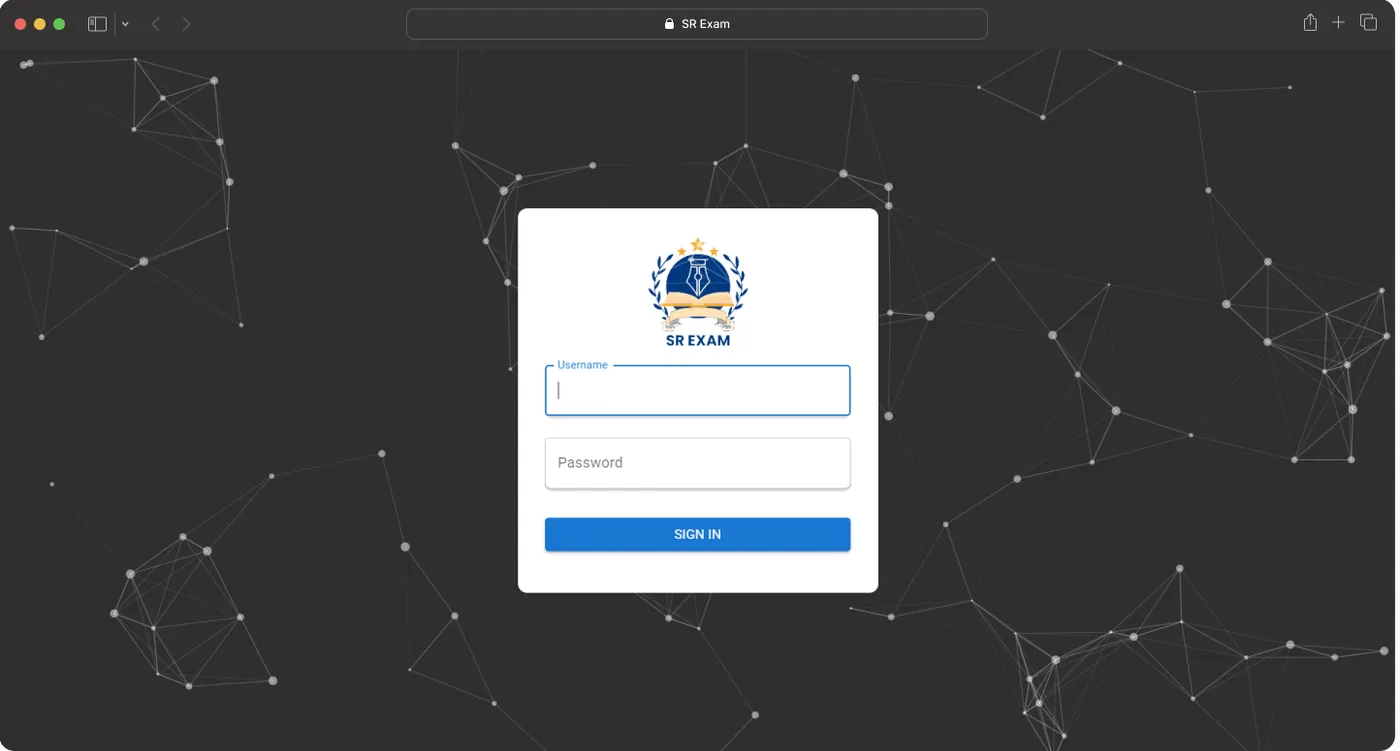
Managing exams, scheduling, and tracking student activity in the assistant lab is challenging without a centralized system. Instructors and lab assistants need an efficient way to organize and monitor exams and lab activities.
[ 2 ] Solution
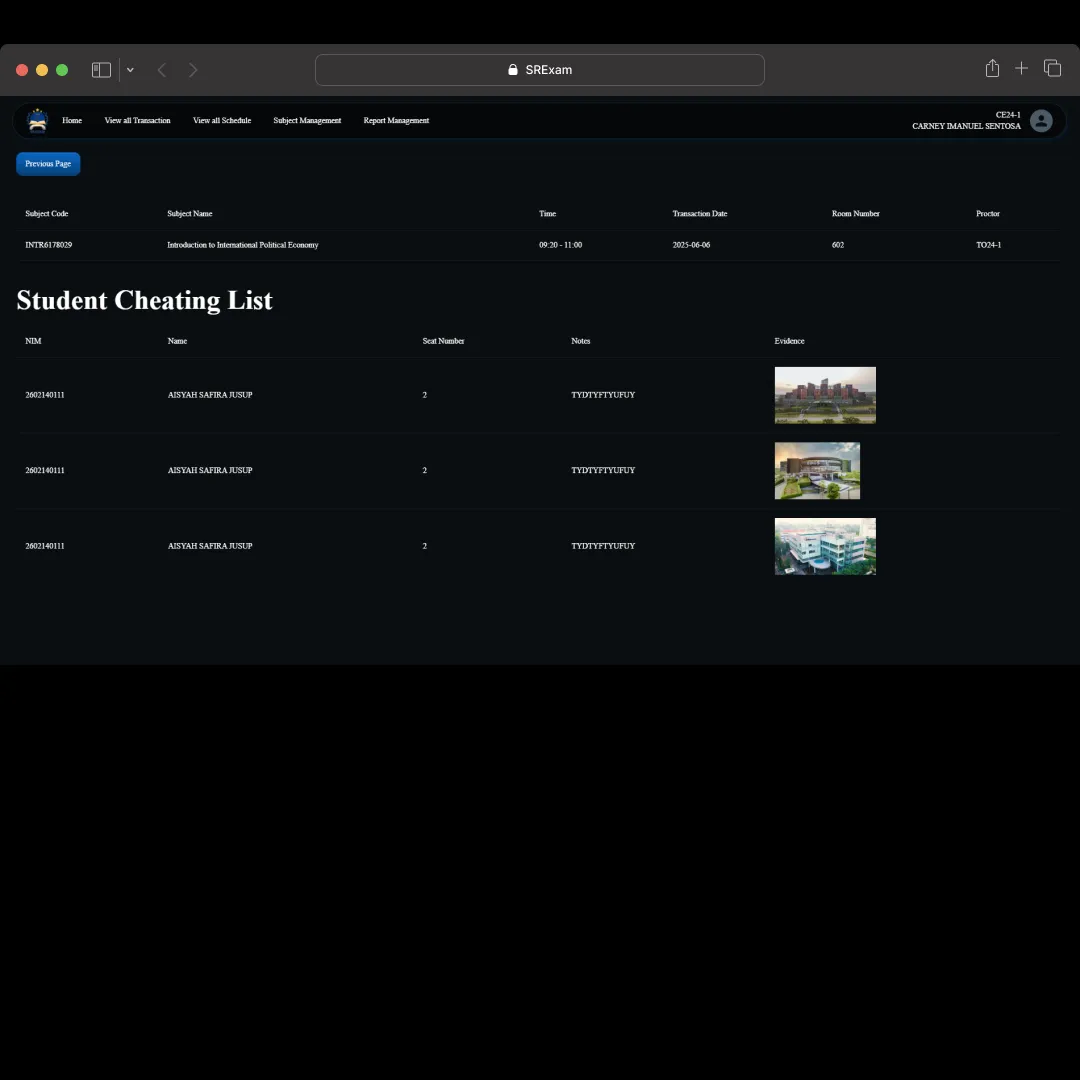
SR Exam is a web-based exam management system designed for BINUS University’s assistant lab. It provides a simple interface for managing exam schedules, student seating arrangements, monitoring exam progress, and tracking student behavior.
[ 3 ] Feature & Scope
SR Exam allows instructors and lab assistants to view and manage exam schedules, change student seating assignments, and mark incidents such as cheating. The platform also provides detailed information about exams, labs, classes, and students, helping manage the assistant lab more efficiently. It supports the organization of exam-related data, facilitating smooth operations for staff.
[ 4 ] Development
Developed using React for a dynamic and user-friendly frontend, Rust for backend efficiency, MySQL for secure and reliable data storage, and Tauri for packaging the app as a desktop application.
Project Gallery
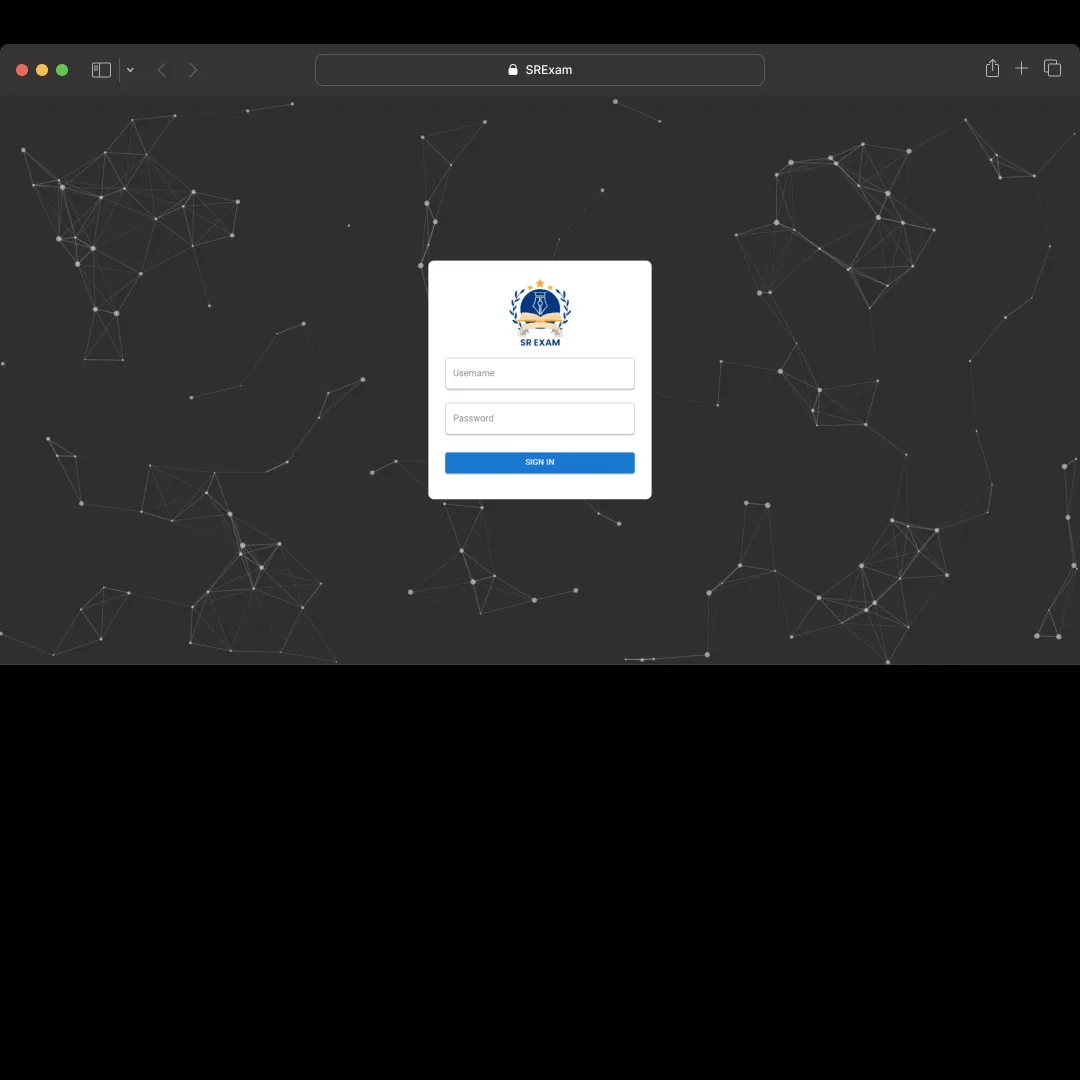
Login Page
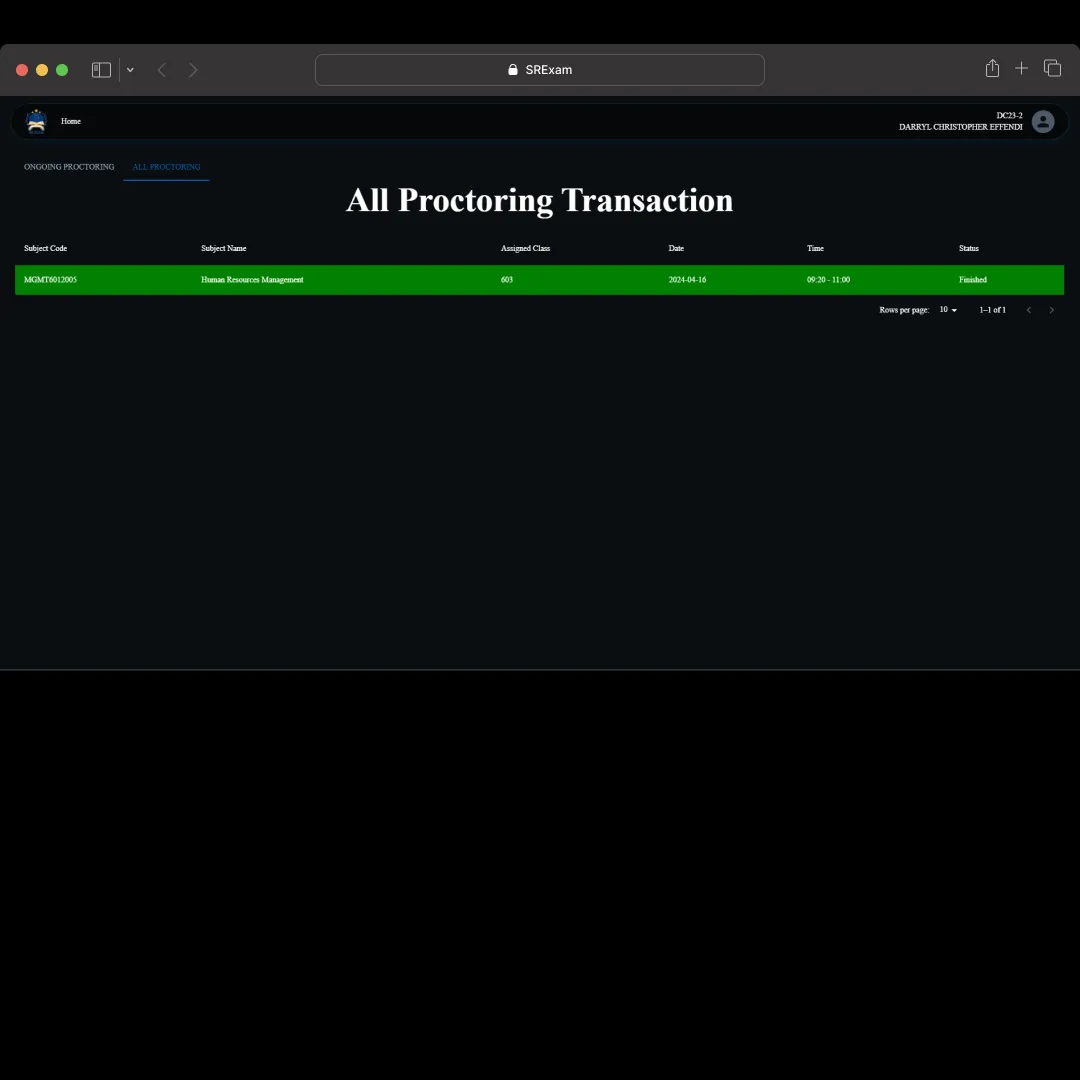
Home Page
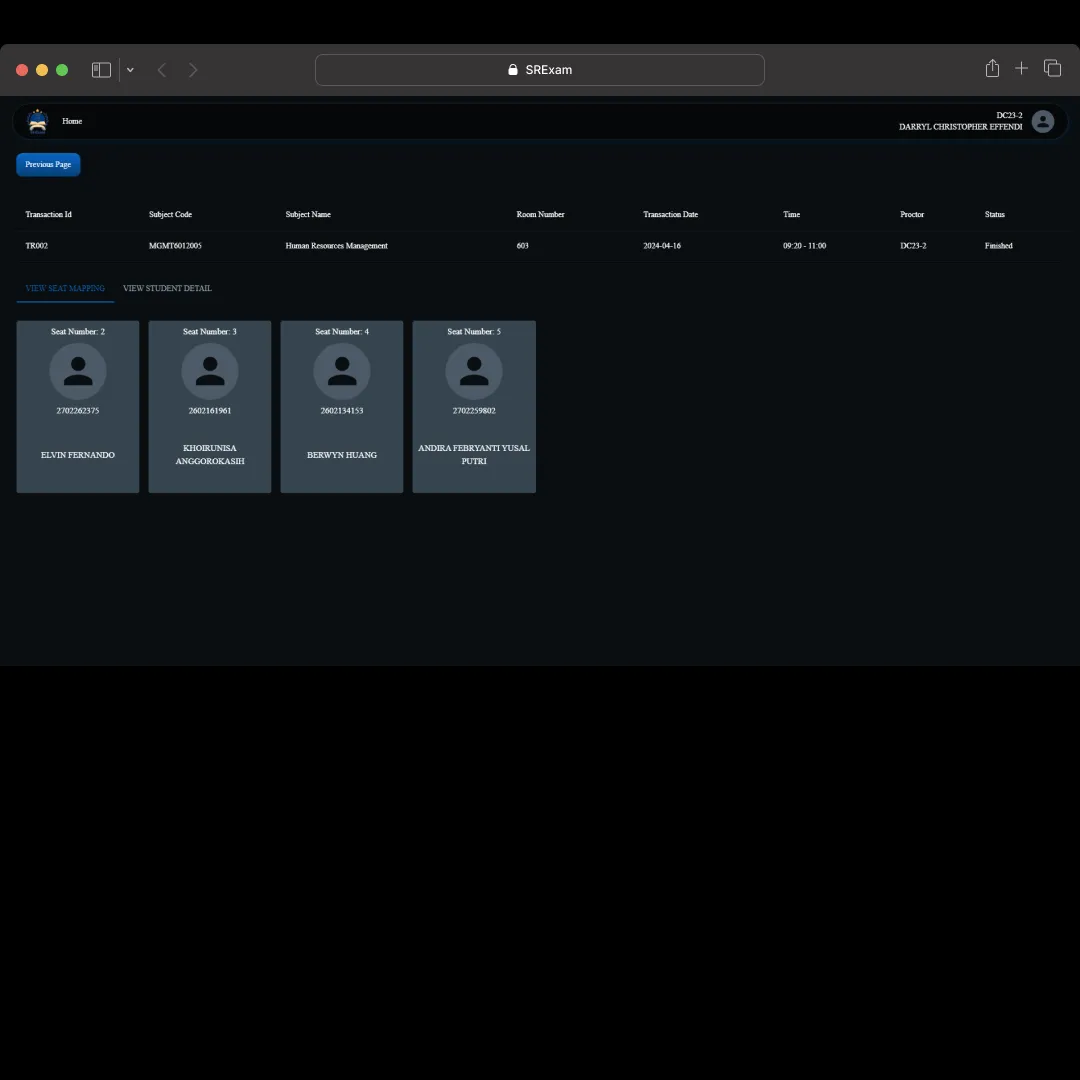
Detail Page - 1
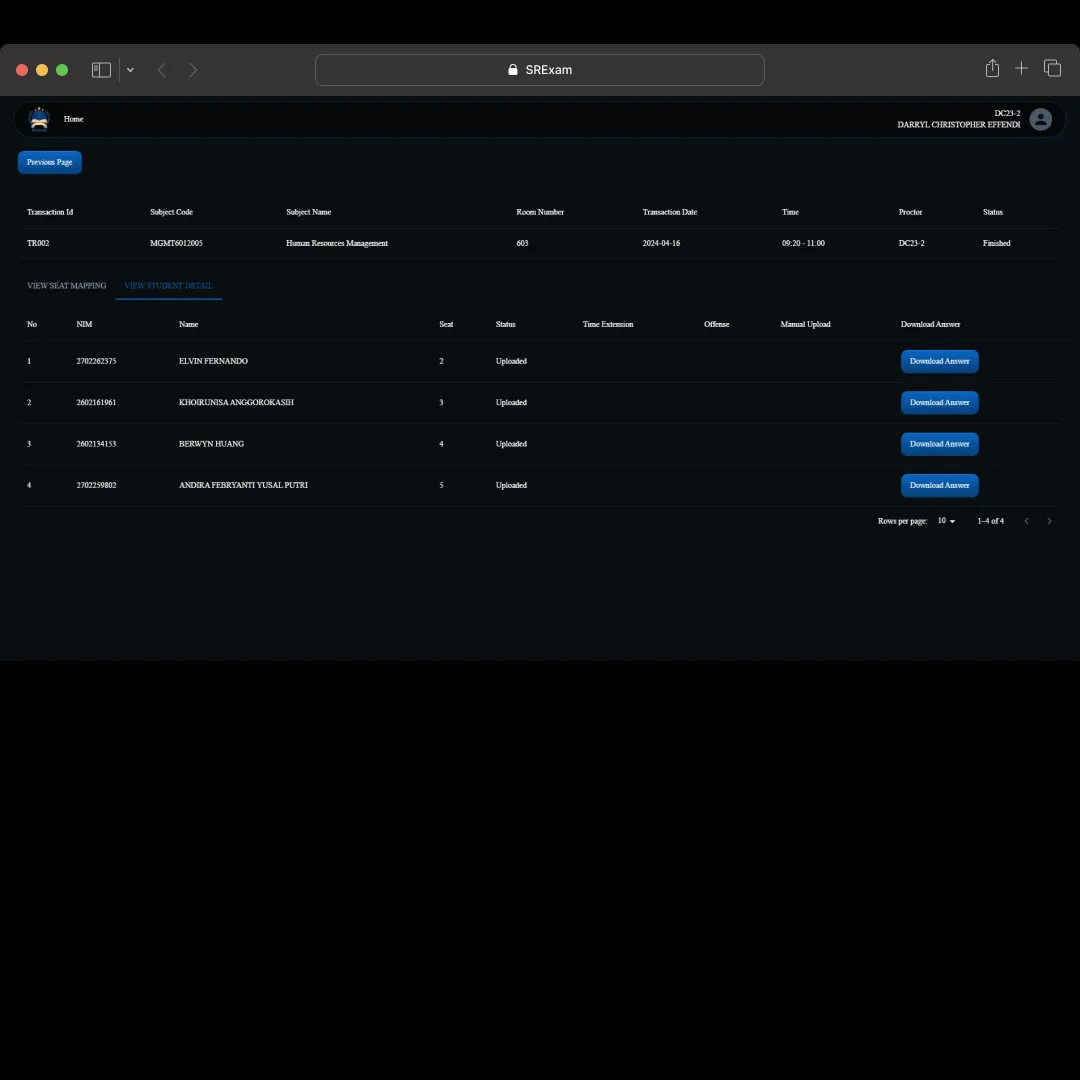
Detail Page - 2
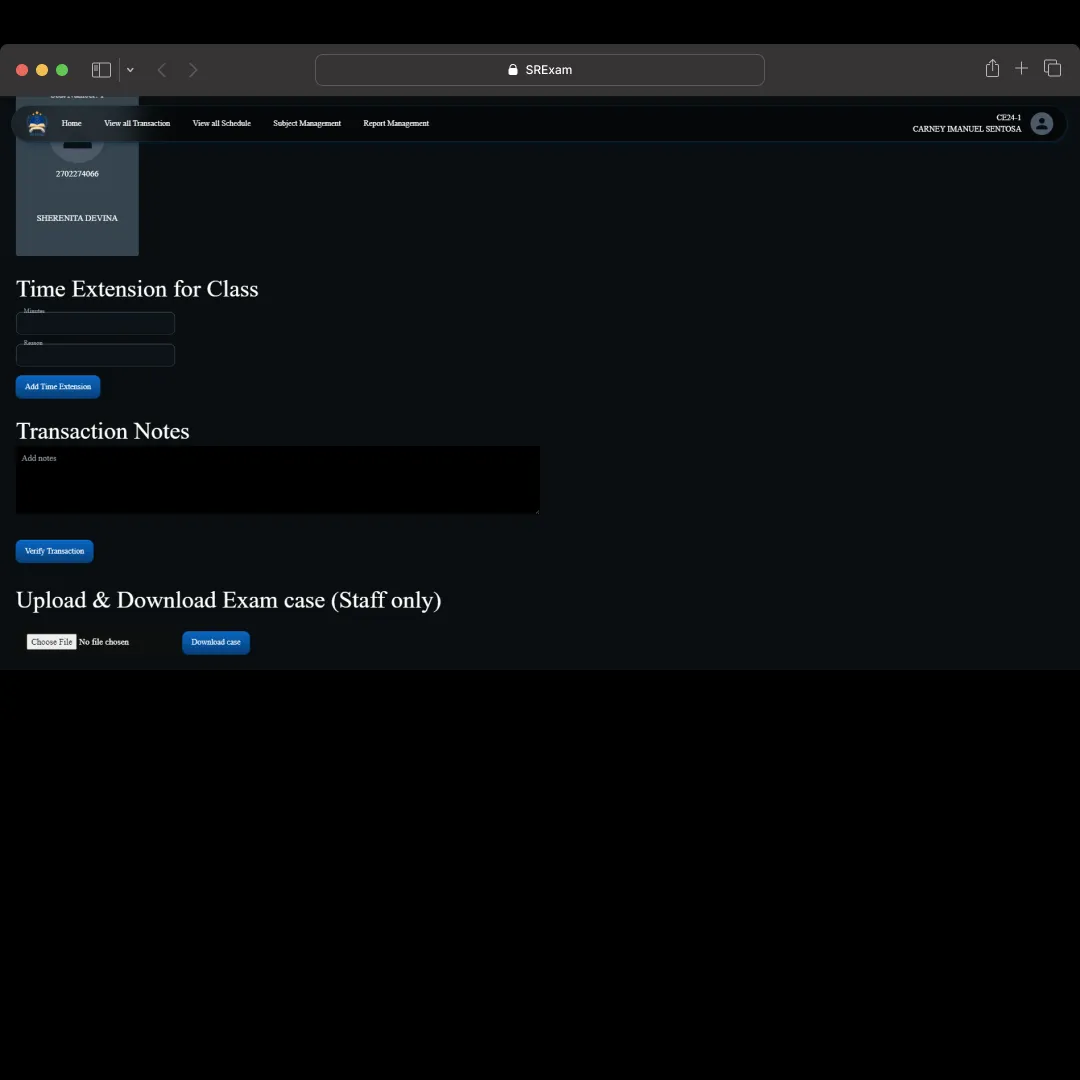
Detail Page Staff - 1
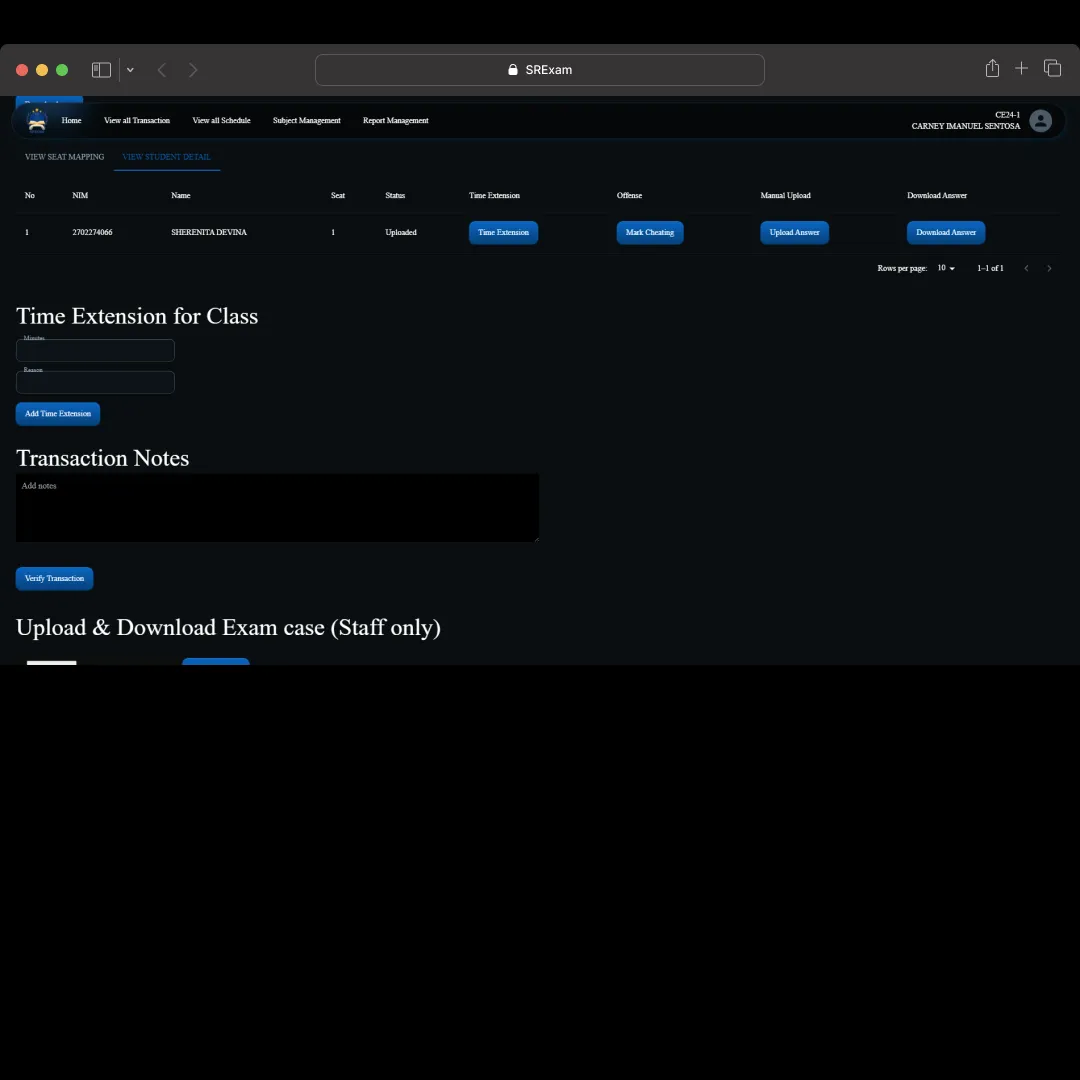
Detail Page Staff - 2
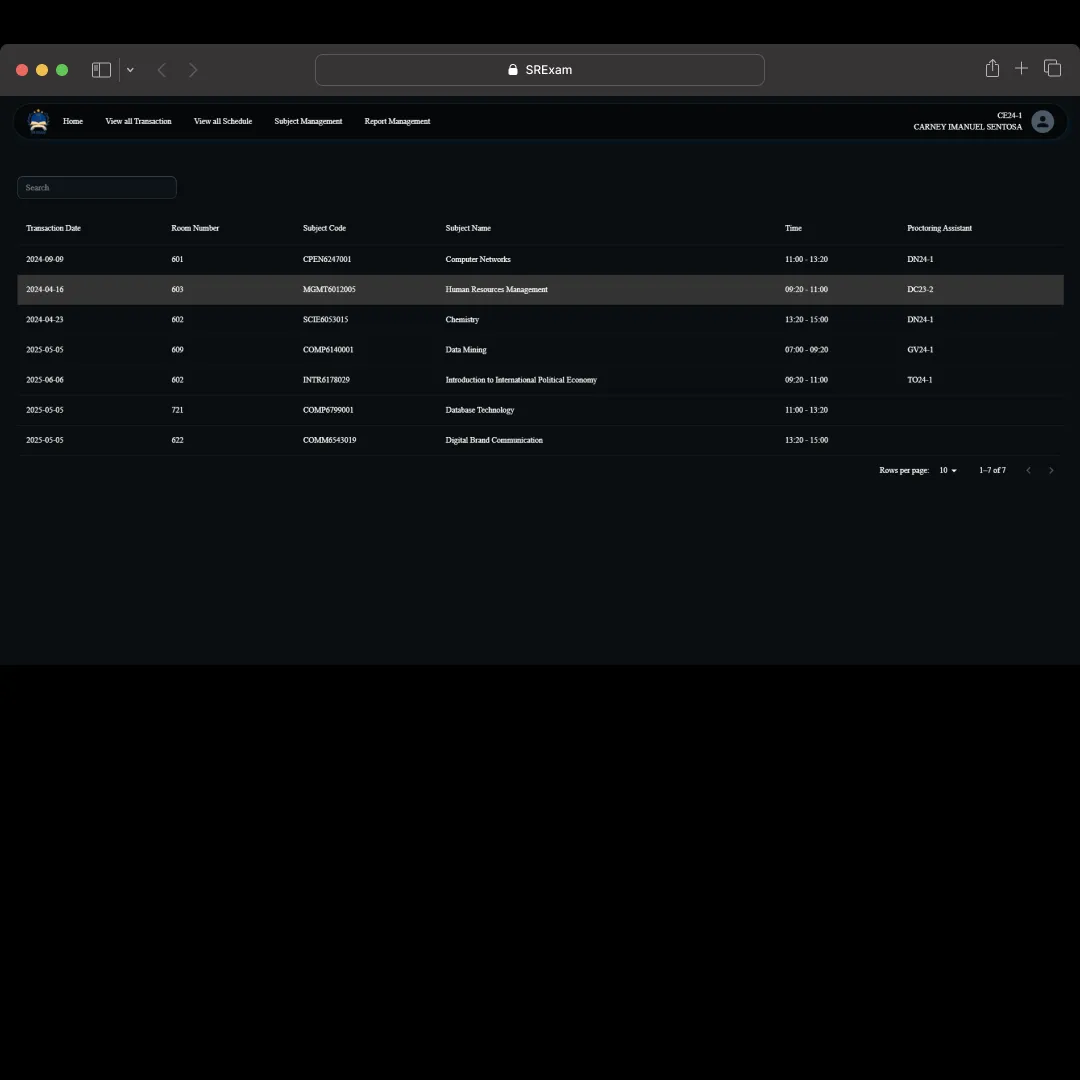
All Transaction Page
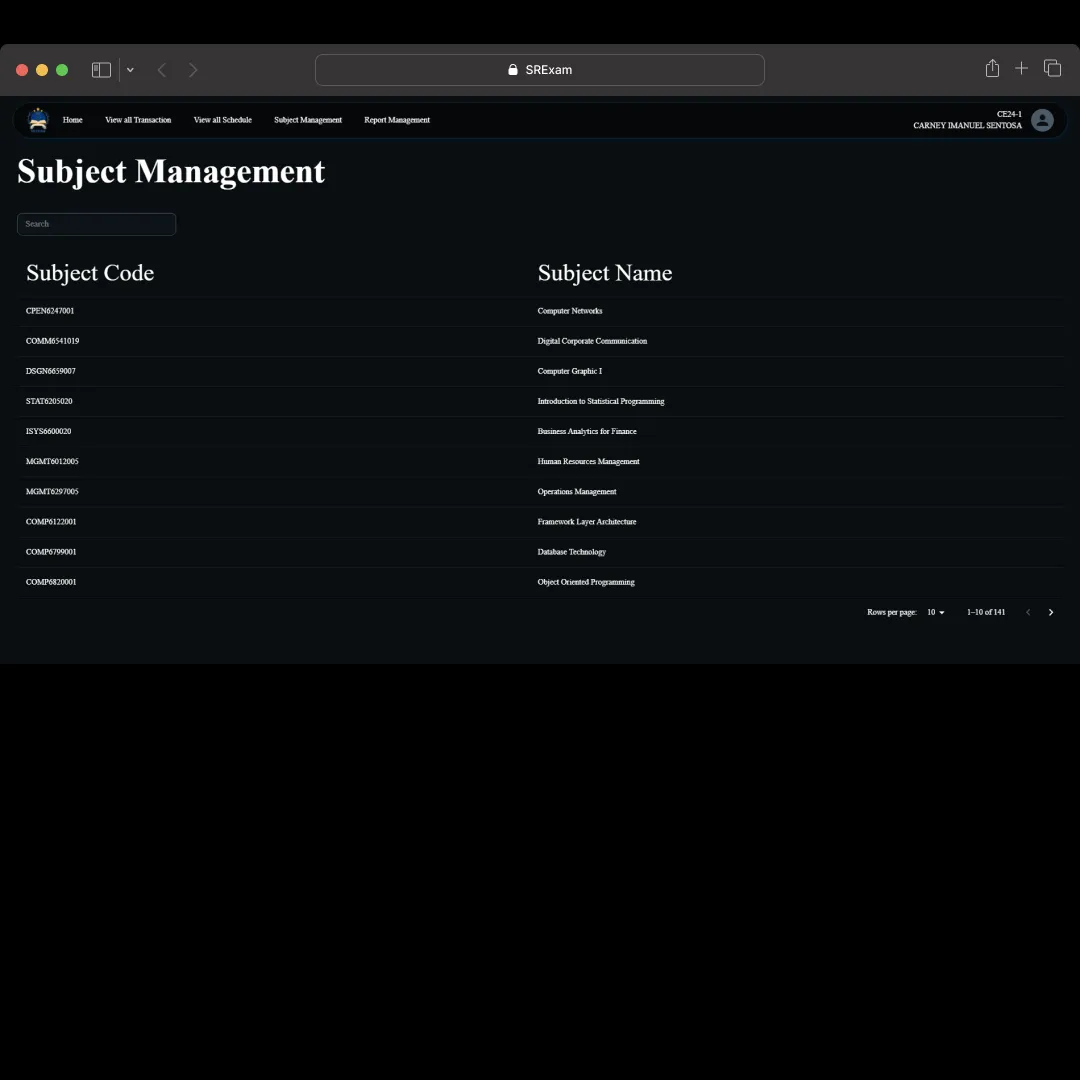
Subject Management Page
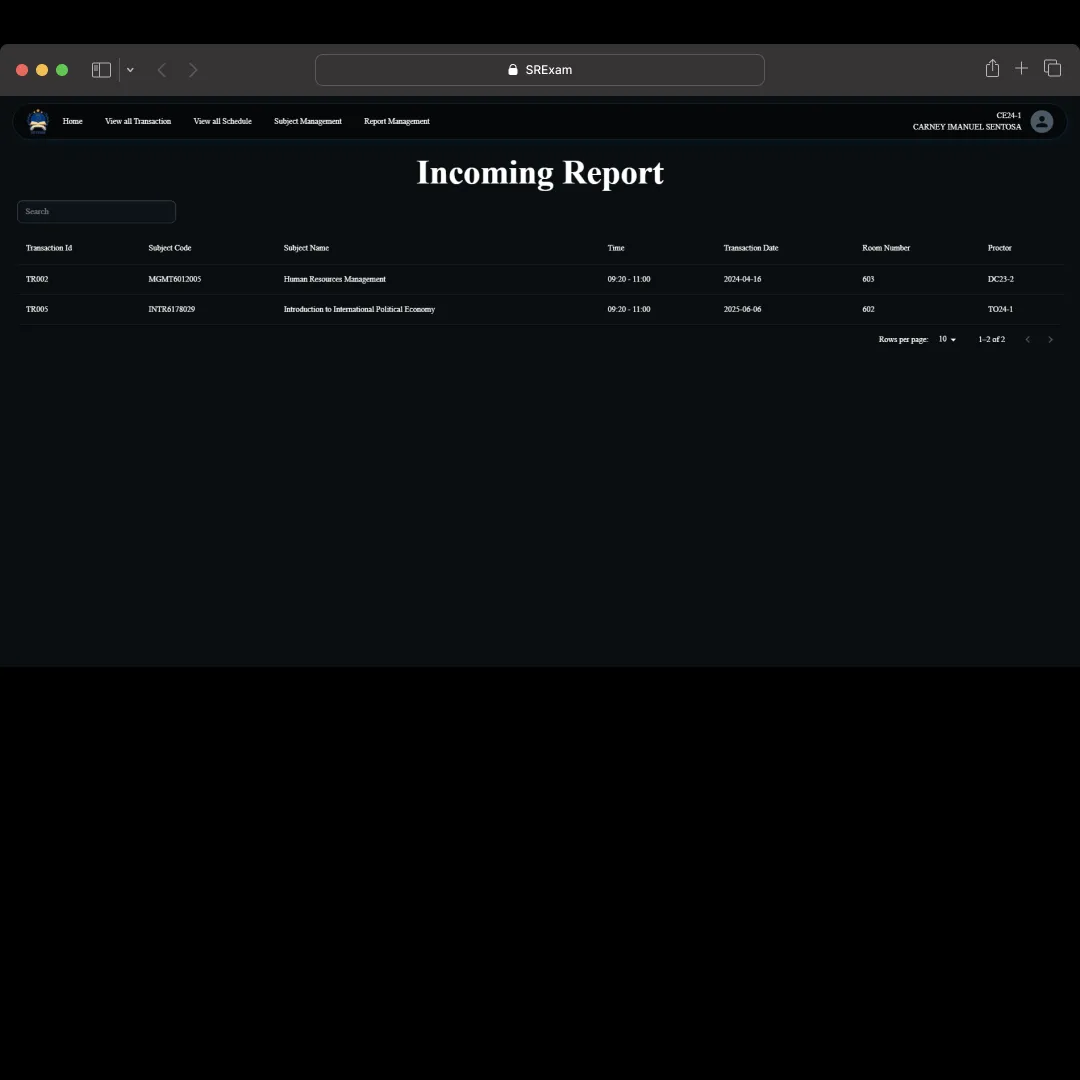
Report Page - 1